
CountDown: The Complete Congress Software
Specifically designed for Conferences, Events, and Meetings
The essential tool for conference technology companies seeking maximum operational control. An all-in-one solution that automates control, synchronizes content in the room, and eliminates error margins in high-stress situations.
The Software
The definitive technology ecosystem for the orchestration, synchronization, and seamless management of conferences, events, and meetings.
CountDown
Intelligent Management and Congress Automation
An integrated platform designed to eliminate human errors and coordinate the entire event’s multimedia infrastructure in real time, ensuring perfect synchronization between the slide center, rooms, and control room.
- Scalable from small meetings to large conferences
- Automatic A/V recording in high definition MP4
- Centralized control of the single operator
- Import the speaker list from a CSV file
- Automatically generate the structure of all local and remote host folders
Complete Automation
It minimizes manual interventions, eliminating the risk of operational errors during conference sessions.
Full Synchronization
It ensures that the correct content is instantly sent to all connected screens in the room and outside.
Centralized Control
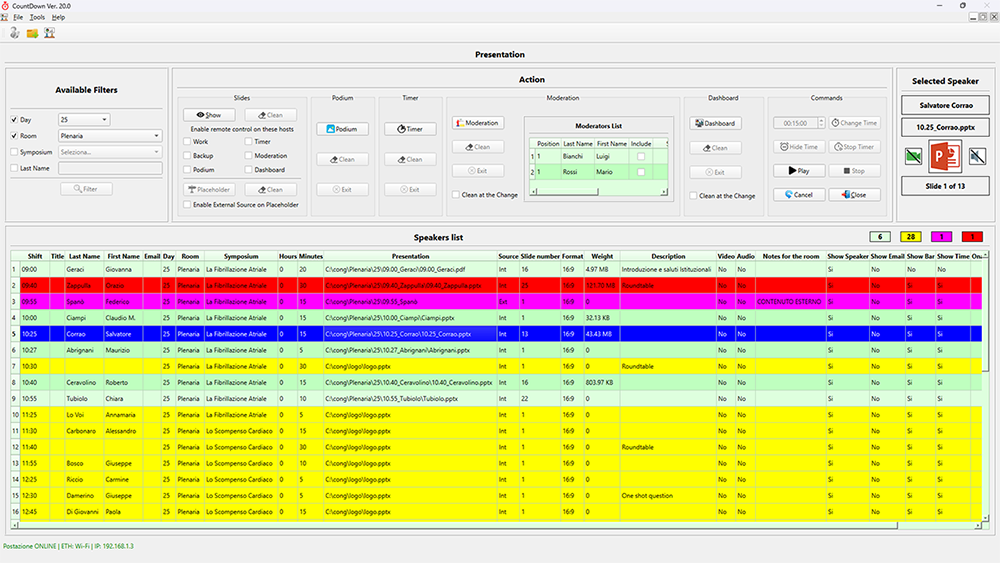
It allows the management of the entire room control room through a single streamlined interface in the Presentations Module.
Auto A/V Recording
Automatically generate high-resolution MP4 files of each individual report for archiving and reference.
Multi-screen Management in the Room
The software automatically distributes and synchronizes content specific to each display type.
Main Screen (LEDWALL/Projection)
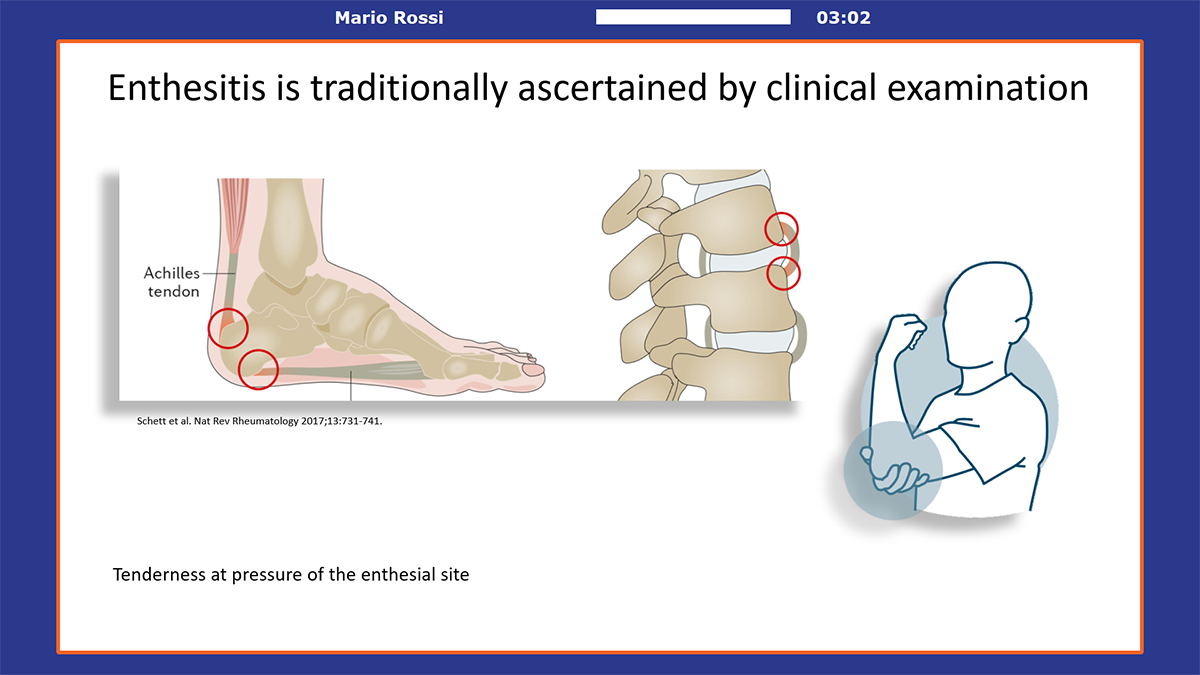
Show slides with an informational top bar: speaker name, countdown timer, and progress bar.
Moderators’ Table
Horizontal monitors with slide replication and front monitors with electronic tabs immersed in the event’s brand graphics.
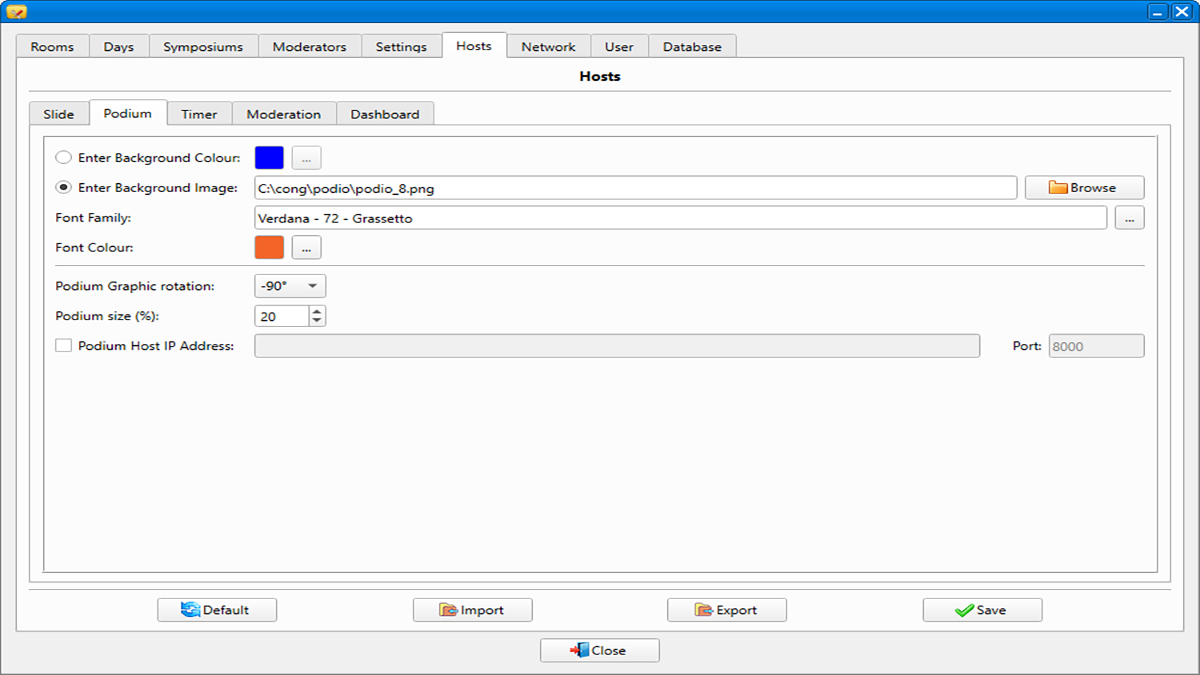
Speaker’s Podium
Horizontal slide display and vertical front display with the speaker’s electronic monitor immersed in the event’s brand graphics.
External Signal Acquisition
It quickly acquires video streams from external sources, either from personal PCs with compatibility or privacy issues, or from video call connections. It encapsulates them in real time within the room’s graphics, maintaining the top bar, electronic timer, and active timer.
Reverse Shot Screen
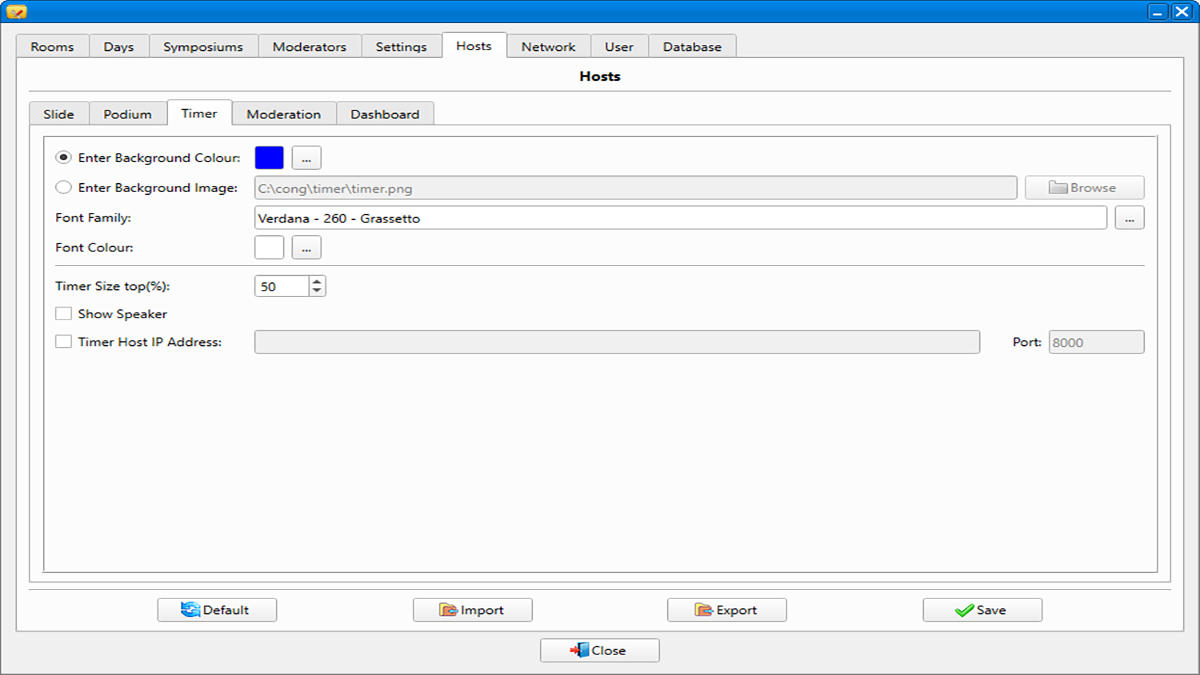
Positioned in front of the moderator table to display the large countdown timer immersed in the event’s branding graphics.
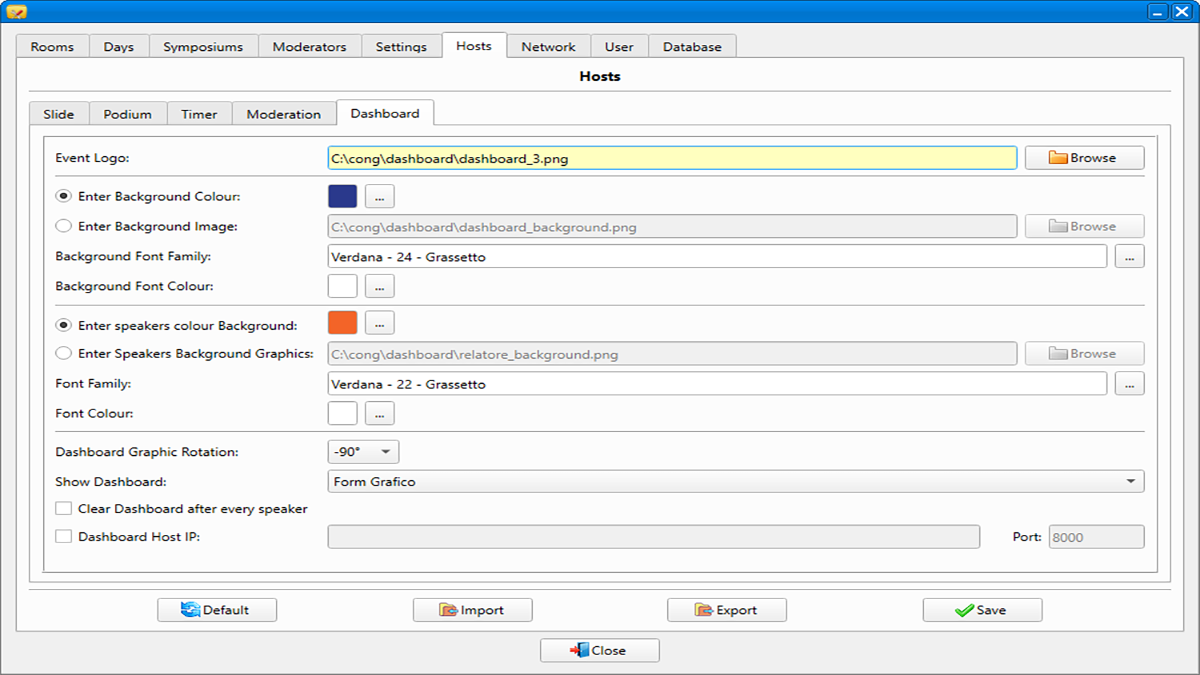
External Room Dashboard
A vertical display at the entrance displays the day’s agenda. The current speaker, the next two presentations, and a video of the podium are highlighted.
Operational Flow Organization
Slide & Insert Center
The speaker delivers the multimedia material. The operator saves the data in the database via the Management Module and offers the speaker a faithful preview of the on-screen rendering.
Local Transfer to the Hall
Files are automatically copied over the network to the two PCs in the room (Work and Backup). Running locally avoids network congestion and ensures immediate launching even for large files.
Execution & Automation
In the Presentation Module, new relationships are highlighted in green. When you start it, a background signal tells all devices (Dashboard, Cavalieri, Timer) to synchronize their content.
Software Architecture
Three integrated and specialized modules for smooth, secure and automated event management

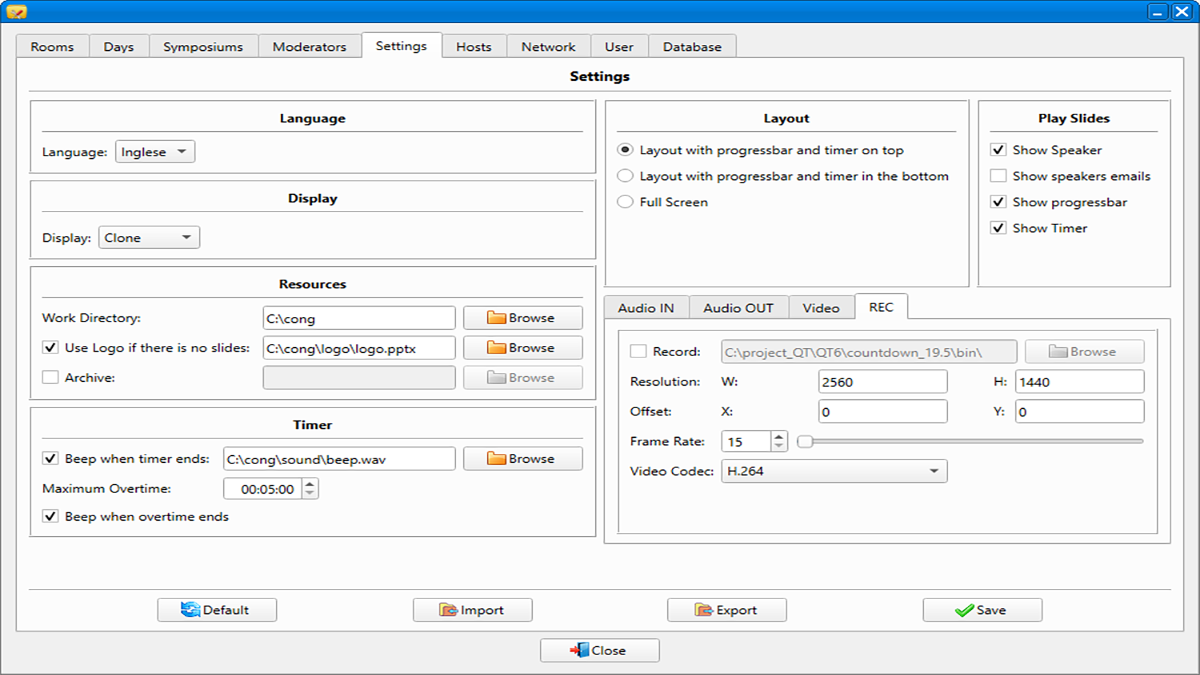
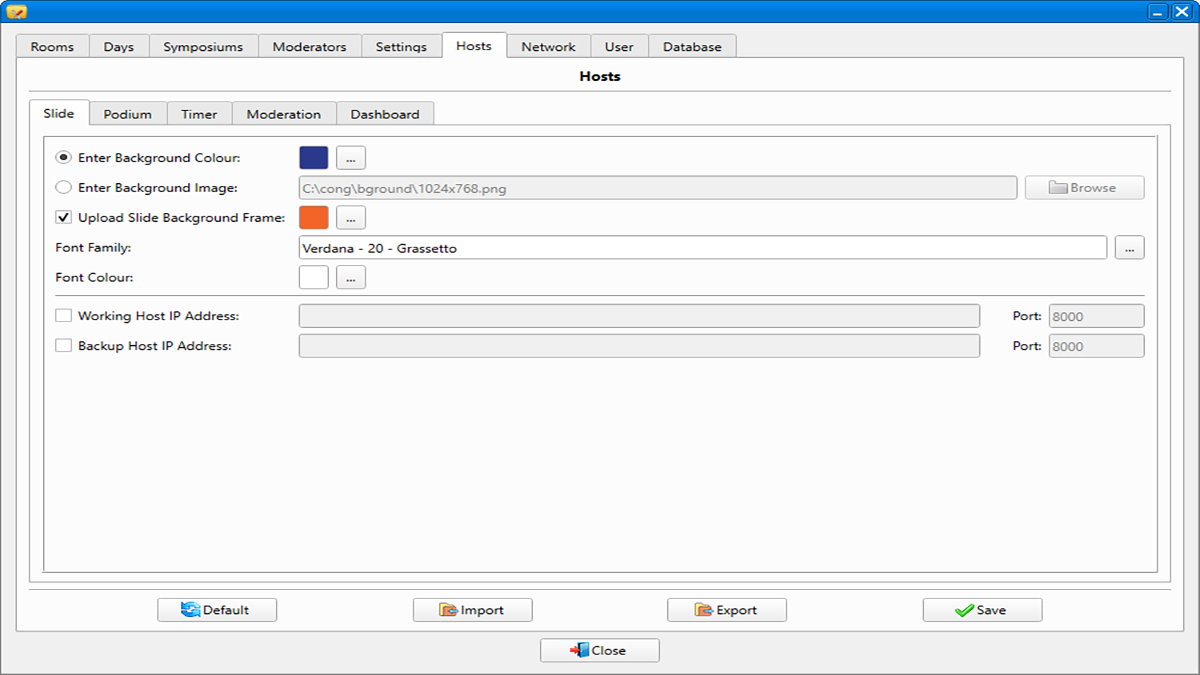
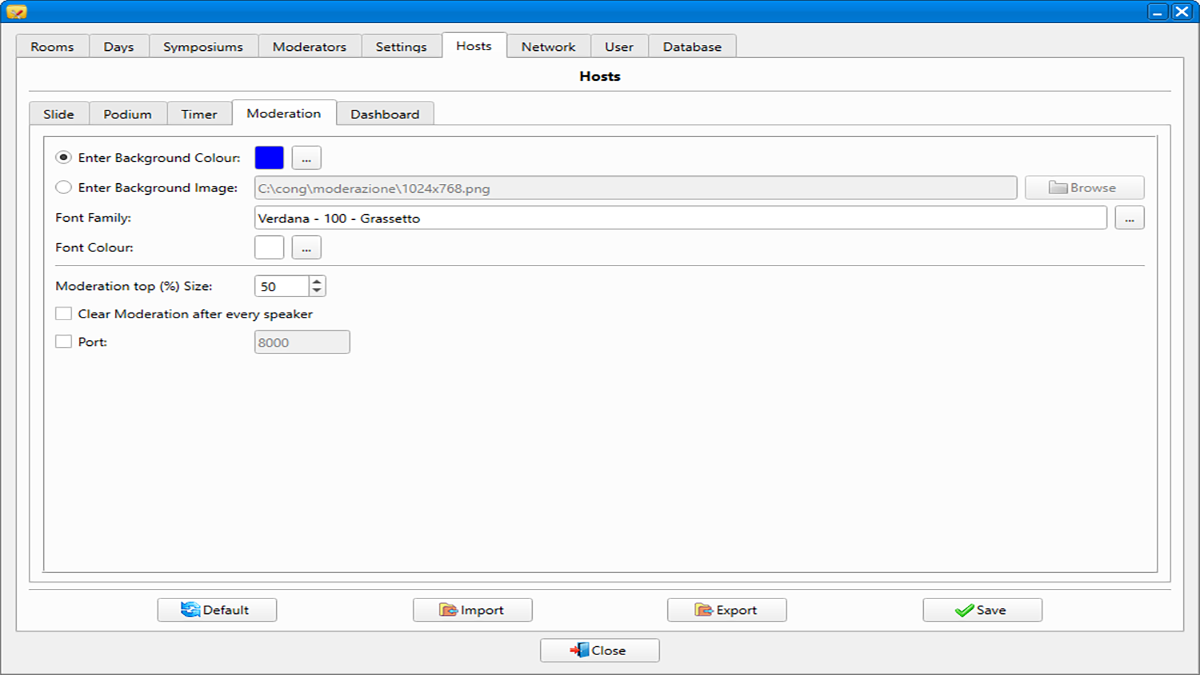
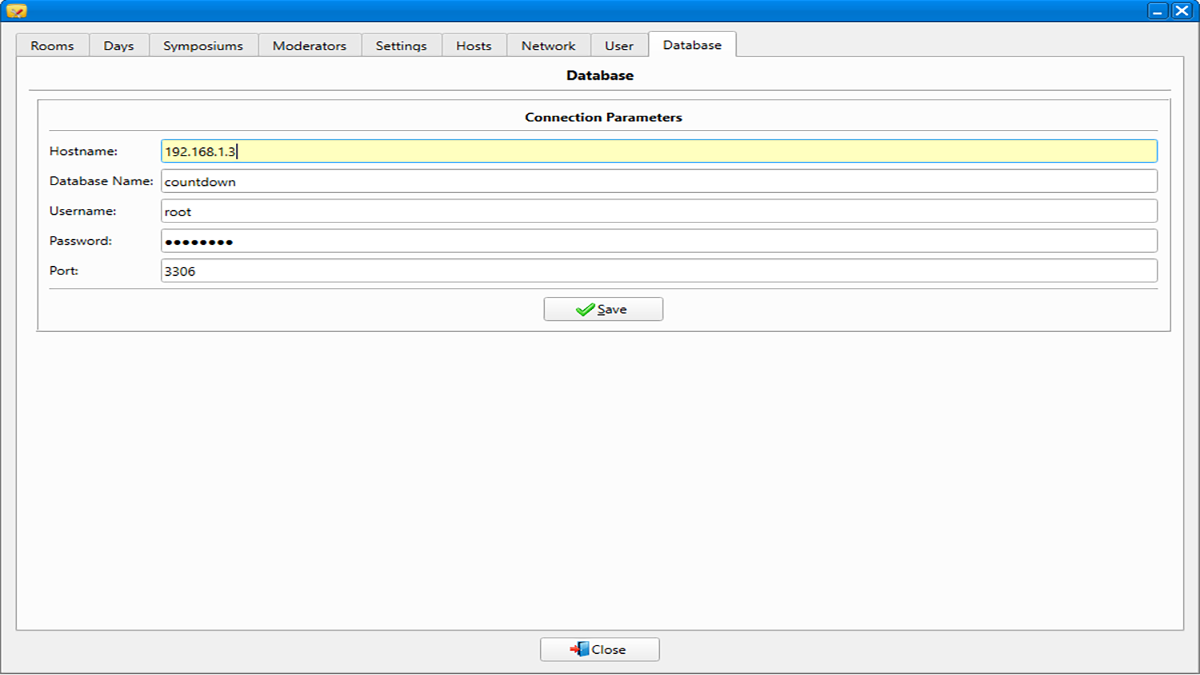
Configurations Module
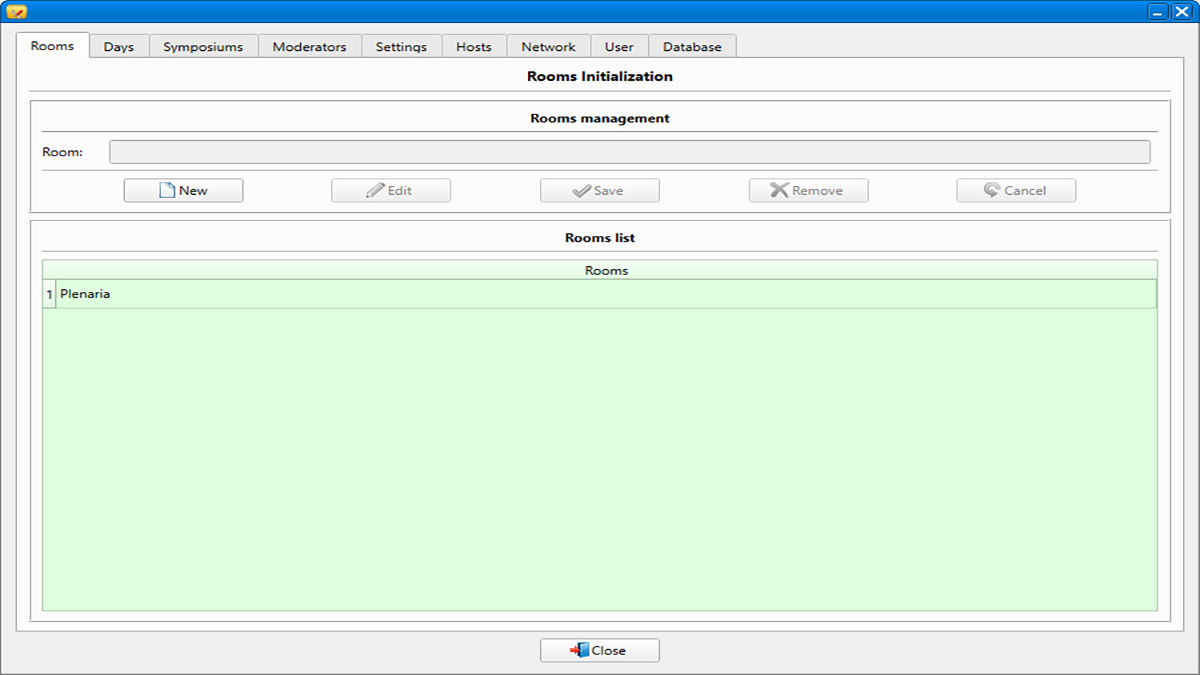
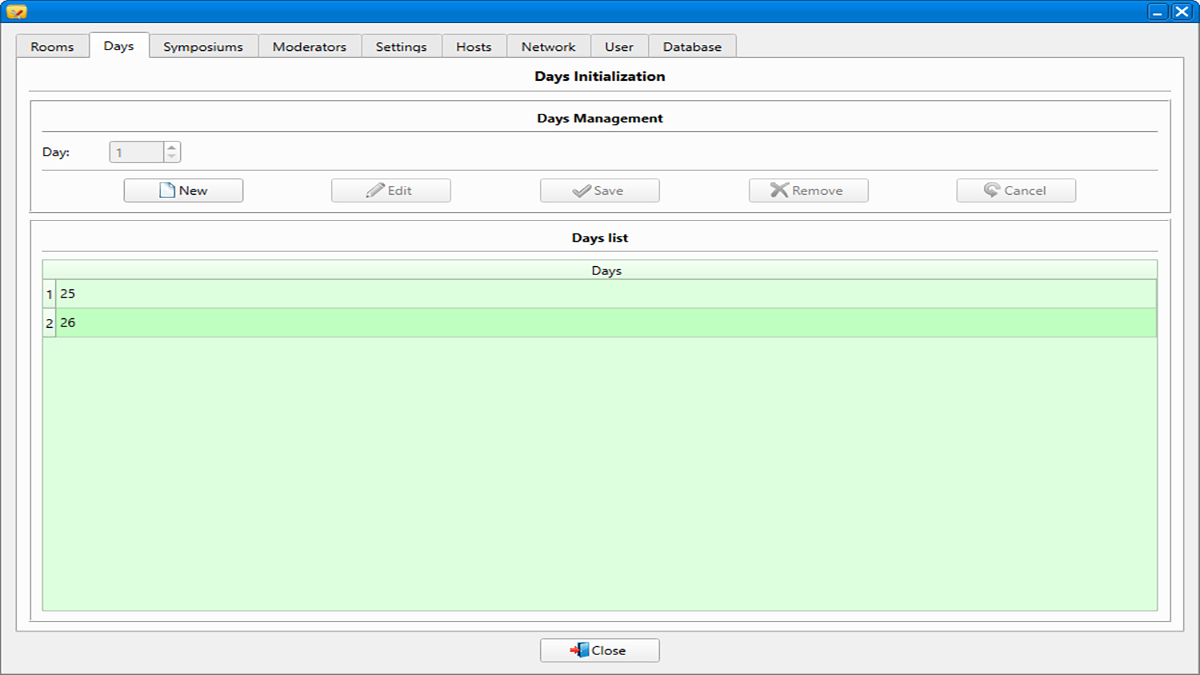
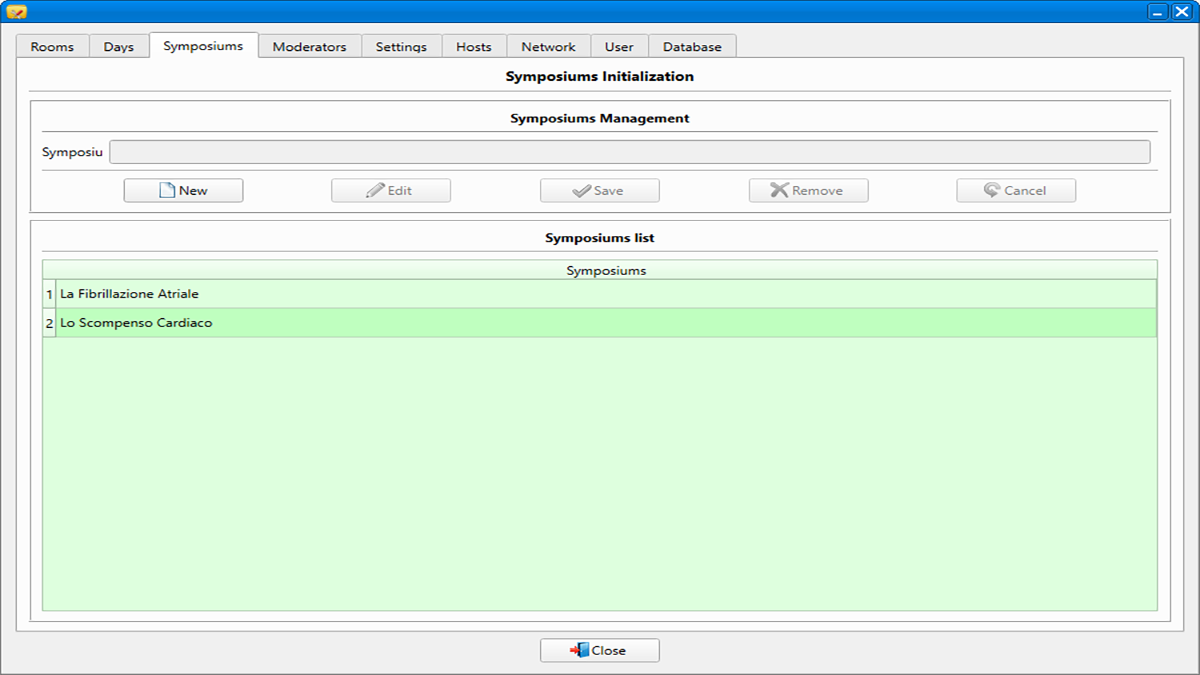
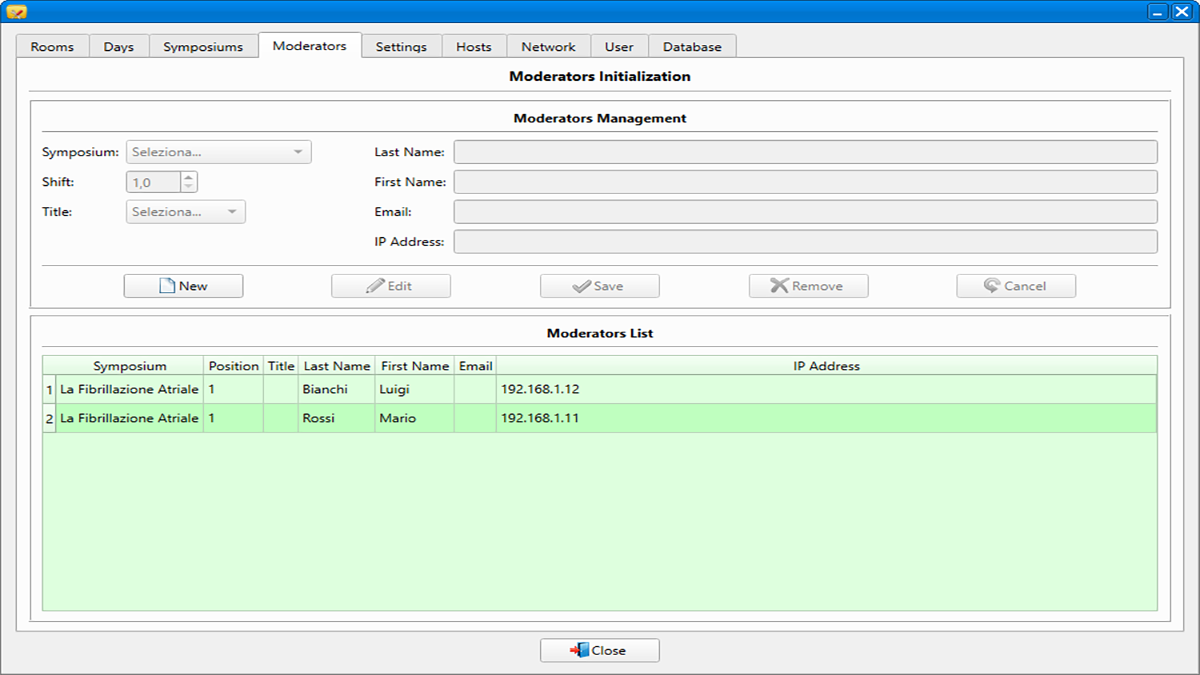
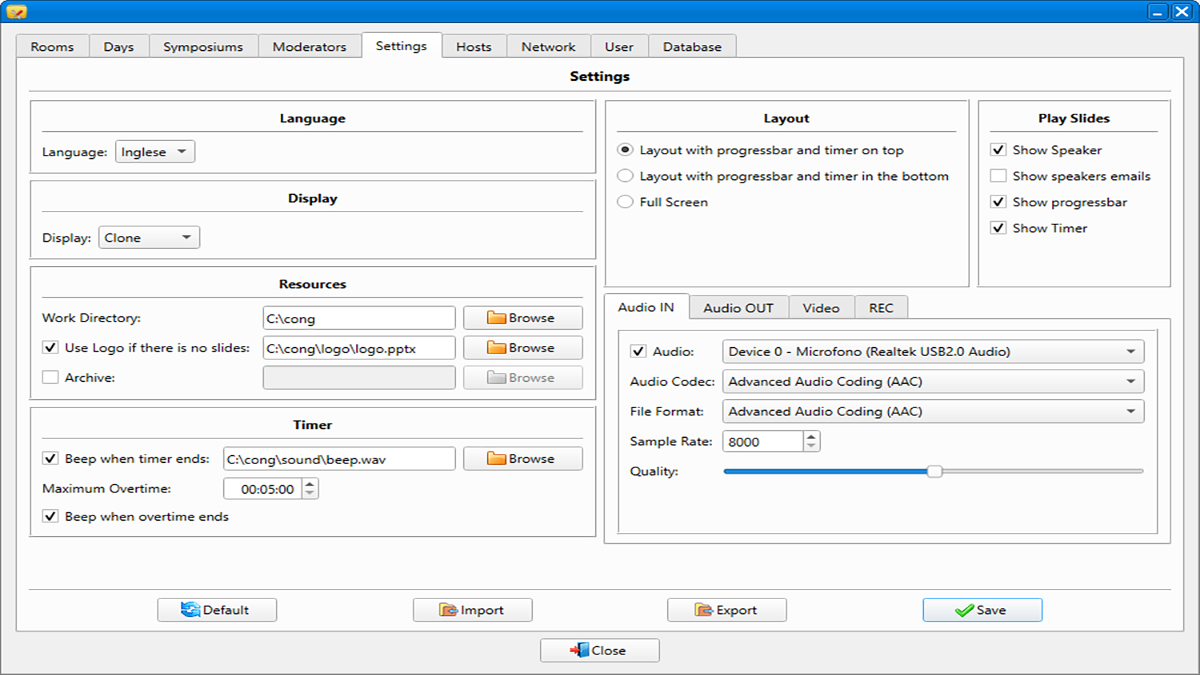
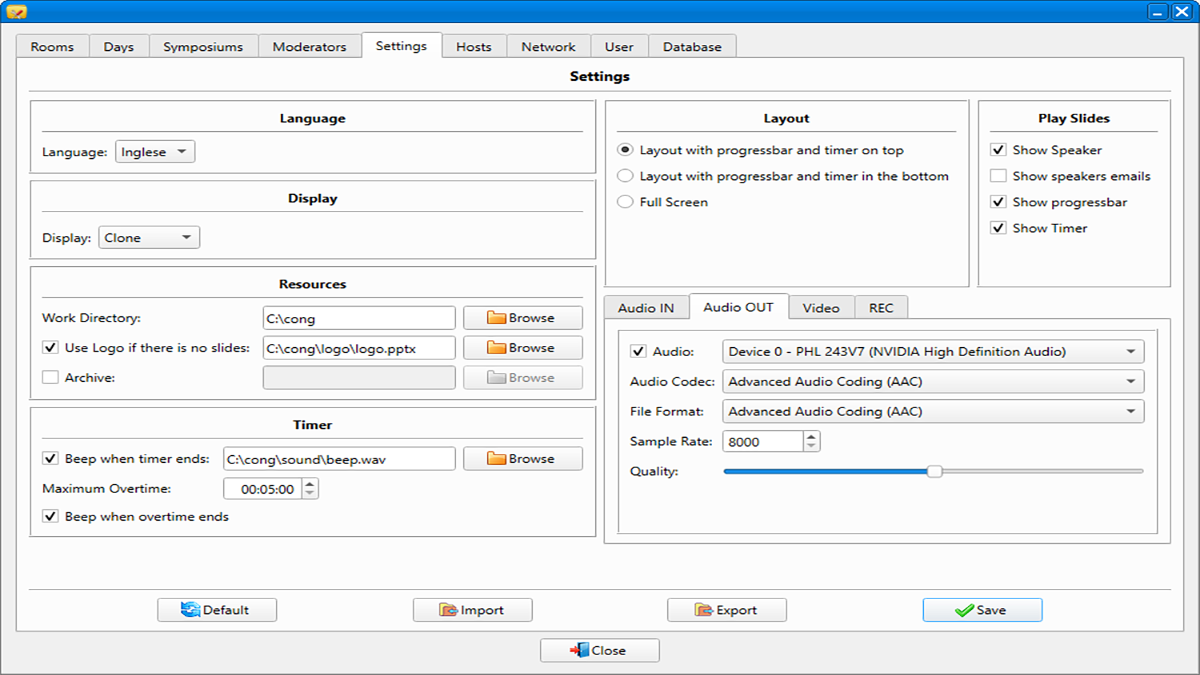
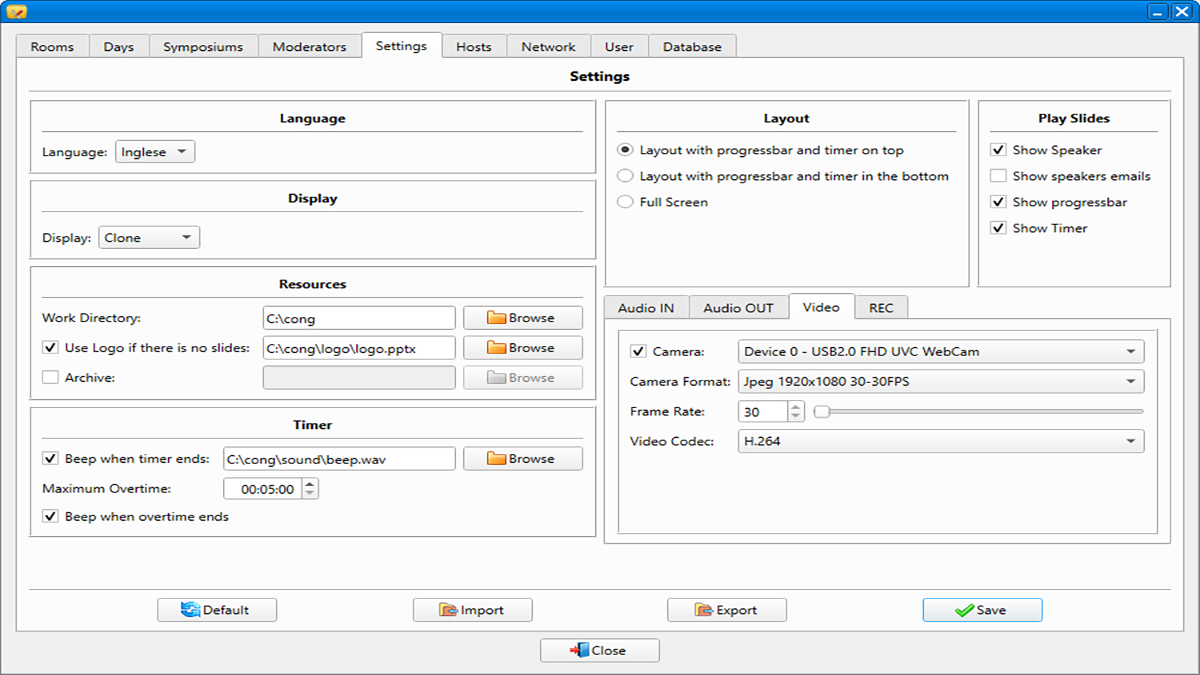
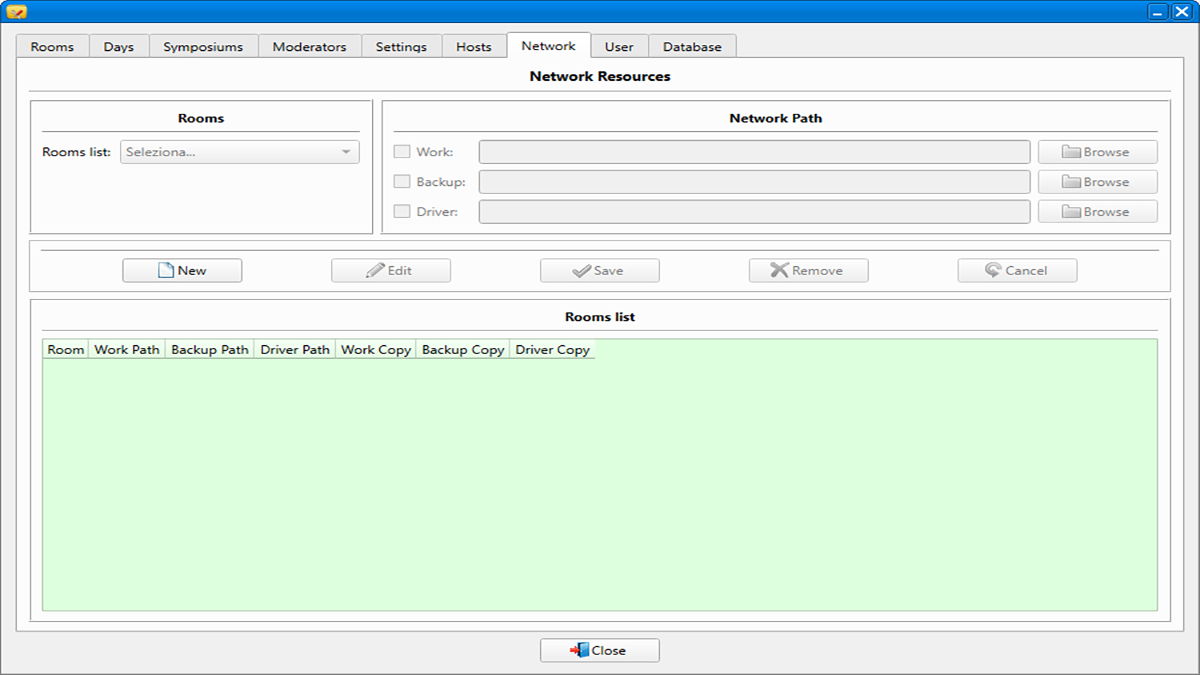
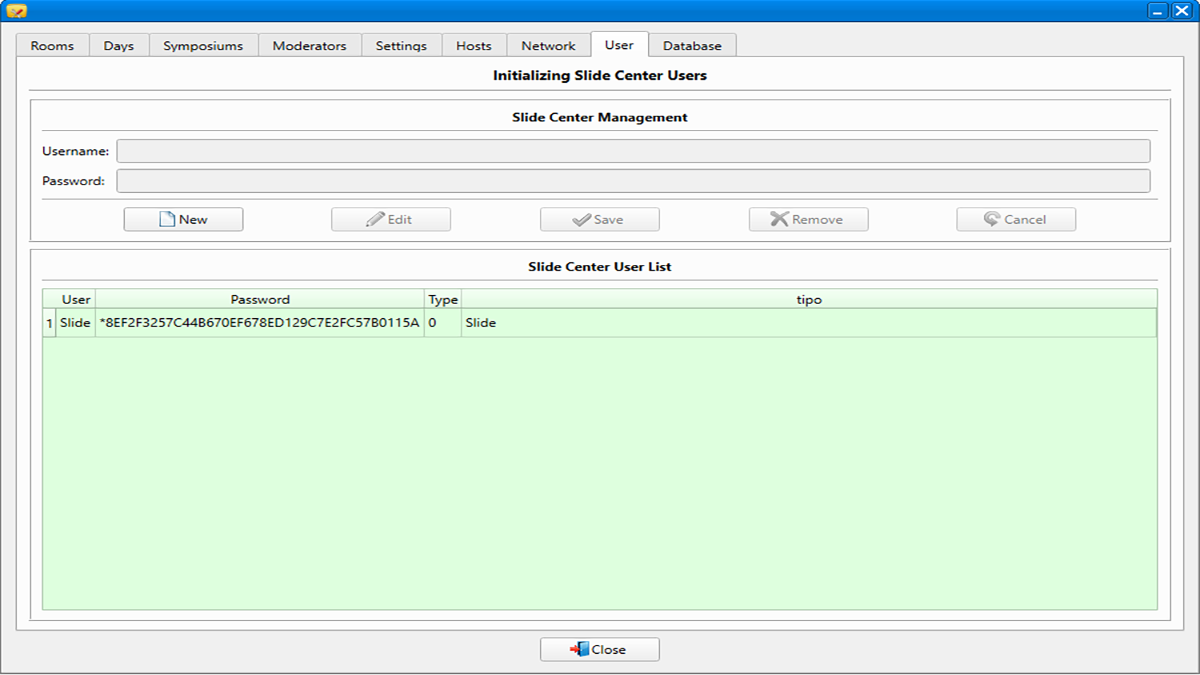
The beating heart of the system. It allows the administrator to define all global parameters in a single, secure interface: dates, rooms, symposiums, users, network, and synchronization rules.
Management Module
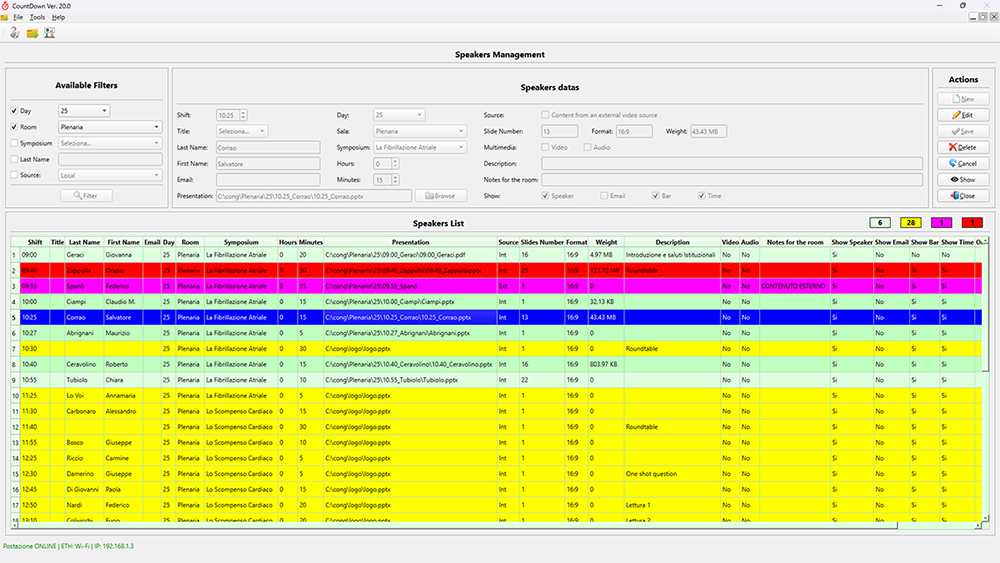
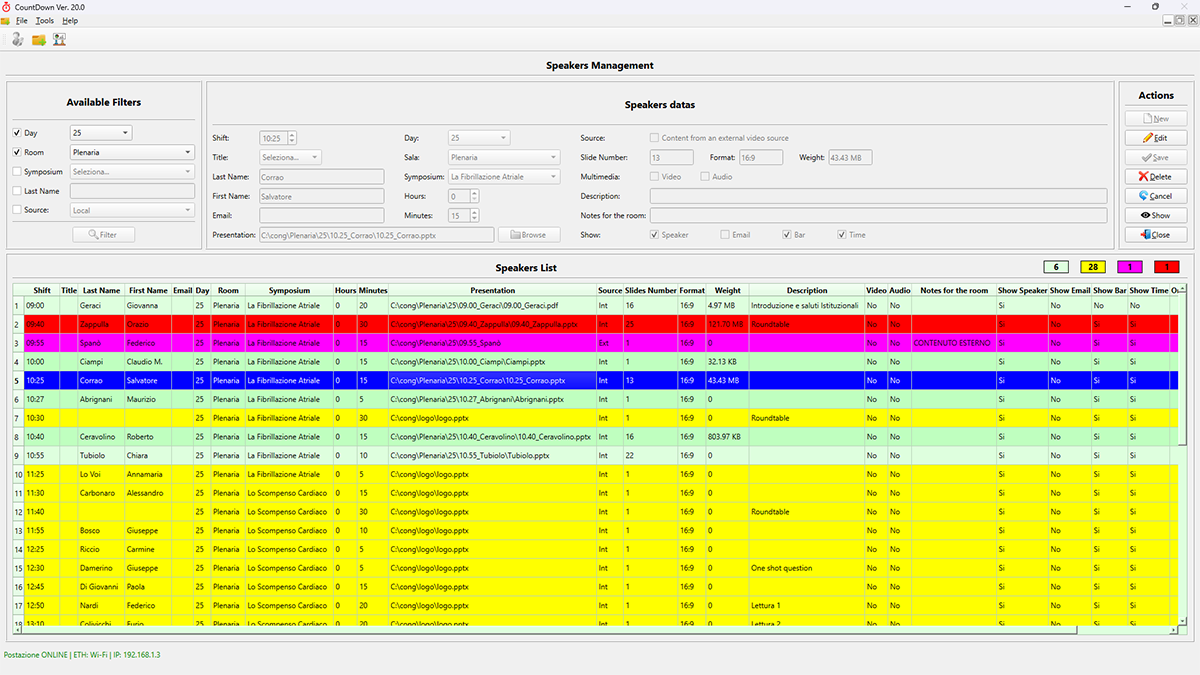
The hub for the Slide Center. It allows for quick file verification (PowerPoint/PDF), automatic color tracking, real-time preview, and automatic transfer to room PCs.

Presentations Module
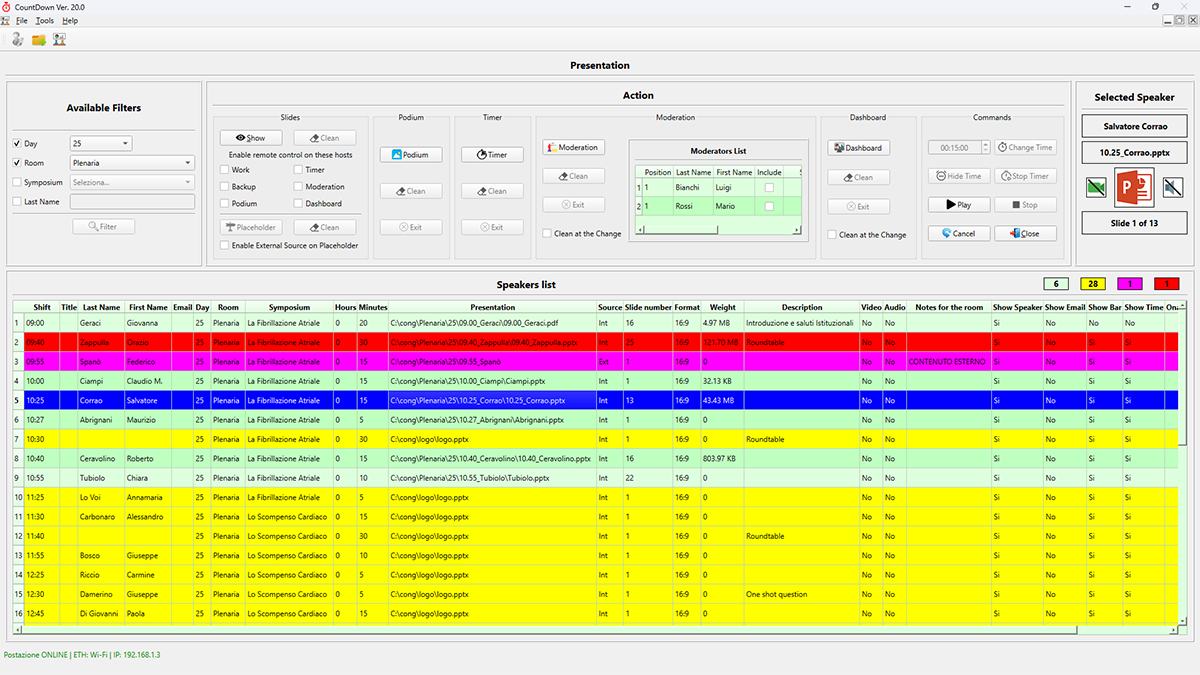
The control room interface. It synchronizes screens, monitors, and timers via a background signal, manages automatic neutralization at the end of a presentation, and starts MP4 video/audio recording.
Advanced Features and Functionalities
Technology designed to eliminate margins of error and ensure maximum operational flexibility

Centralized Control Panel and Role Management
A single, intuitive interface for modeling the structure of your event, from small scientific conferences to large international gatherings with parallel rooms.

Slide Center and Automatic Distribution in the Conference Room
Eliminates network congestion and errors typical of manual file collection, ensuring immediate starts even for large files.
Screen Automation and Audio/Video Recording
Maximum coordination between screens, timers and dashboards, with zero downtime and visual safety.
Operating Modes: Clone, Extension and Driver
Take advantage of the dual HDMI output of your Notebook or Desktop with flexible architectures that can adapt to any type of control room.
Interface & Screenshots
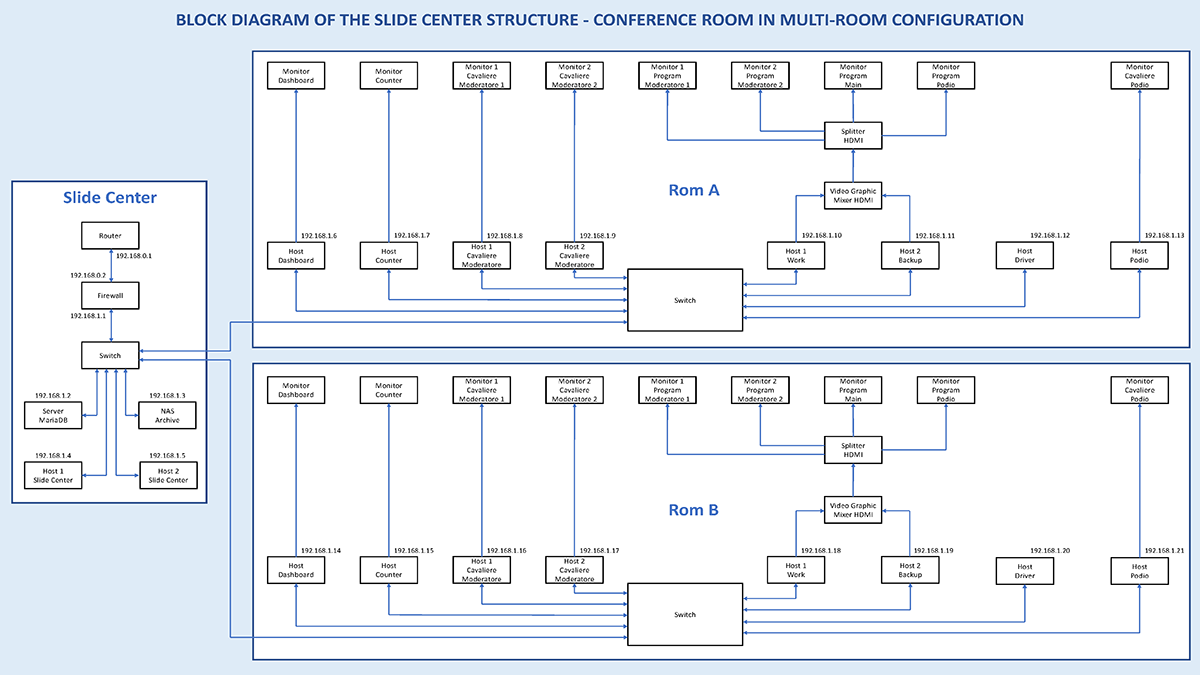
Explore the main screens of CountDown: a unified suite designed to guarantee total and intuitive control of the Slide Center, synchronization in the Conference Room and management of conference flows.
Single and Integrated Solution
No compromises, no limited versions: all the power of the system in a single suite
A single complete software for any event
We believe in maximum operational transparency: our software is not sold in separate modules or with artificial limitations. You receive the entire software with all its advanced features (Configuration, Slide Center Management, and Conference Room Presentation Management) ready to be used in any context, from a single meeting to a large multi-room conference.
Contact
Interested in our software? Request a free, no-obligation demo: we’ll schedule a personalized video call to show you all the potential of the CountDown software.
A.T.H.S. snc
VAT IT04031030879
Address
Via Simeto, 31 - 95030 Gravina di Catania (CT)
Phone
+39 095 397460